
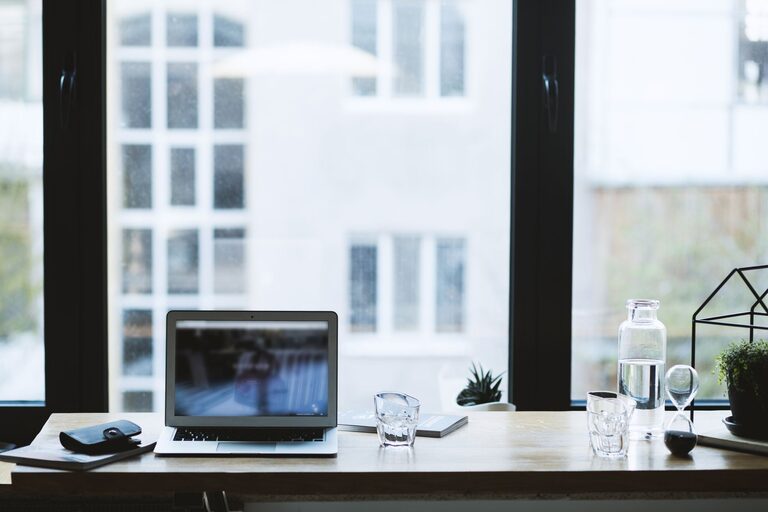
Creating a productive home office environment is essential for anyone working remotely or running a business from home. A well-designed workspace can increase focus, enhance comfort, and promote better work-life balance. Whether you have a dedicated room or a small corner, these tips will help you set up an efficient workspace tailored to your needs.
Choose the Right Location
Selecting the right spot for your home office is the first step towards productivity. Ideally, it should be a quiet area with minimal foot traffic to reduce interruptions. Natural light is a bonus, as it can improve mood and energy levels. If natural light isn’t available, ensure the lighting is bright enough to avoid eye strain.
Consider Ergonomics
Comfort is key when working long hours. Invest in a good-quality office chair that supports your back and encourages good posture. Your desk height should allow your arms to rest at a 90-degree angle when typing. Position your screen at eye level to prevent neck strain. Ergonomic accessories, such as keyboard rests or footrests, can also contribute to your comfort.
Declutter and Organise
A clutter-free desk helps maintain focus and reduces stress. Keep only the essentials on your desk, such as your computer, notebook, and a pen. Use organisers, trays, or drawers to store stationery and documents. Regularly tidy your workspace at the end of each day to maintain a clean environment.
Use Storage Solutions
Depending on the size of your home office, incorporating shelves, filing cabinets, or boxes will help keep everything organised. Label storage containers clearly for easy identification. Digital organisation is just as important: back up files and keep folders tidy.
Minimise Distractions
Distractions can significantly reduce productivity. If possible, let family or housemates know your working hours to limit interruptions. Use noise-cancelling headphones or play ambient music to create a focused atmosphere. Consider apps that block distracting websites during work hours.
Personalise Your Space
Adding a few personal touches can make your workspace more inviting and motivate you to work. Choose calming colours for walls and accessories, or add plants to bring in a bit of nature. However, avoid overcrowding your desk with decorations, which can distract you.
Set Boundaries and Routines
Establish a routine to transition smoothly between work and personal time. Try to start and finish work at consistent times each day. Setting clear boundaries around your workspace helps signal to yourself and others when you are ‘at work’. This mindset encourages better concentration during working hours.
Optimise Technology and Connectivity
Ensure your internet connection is reliable and fast enough to handle your work tasks. Keep your computer and software updated, and use a second monitor if your work involves multitasking. Invest in good-quality peripherals such as a keyboard and mouse to enhance comfort and efficiency.
Incorporate Breaks and Movement
Sitting for long periods can negatively affect health and productivity. Schedule short breaks every hour to stretch or walk around. Consider using a sit-stand desk or a balance board to vary your posture during the day. Staying active will help maintain focus and reduce fatigue.
Lighting and Air Quality
Good lighting reduces eye strain and keeps you alert. If the natural light is limited, a desk lamp with adjustable brightness can help. Keep the room well ventilated; fresh air improves concentration and overall wellbeing. Adding an air purifier may be beneficial if you have allergies or live in a polluted area.
Final Thoughts
Creating a productive home office environment is about combining comfort, organisation, and focus. By carefully selecting your workspace, reducing distractions, and establishing healthy routines, you can improve your work output and enjoy a more balanced day. Remember, the goal is to create a space that suits your unique working style and helps you perform at your best.