
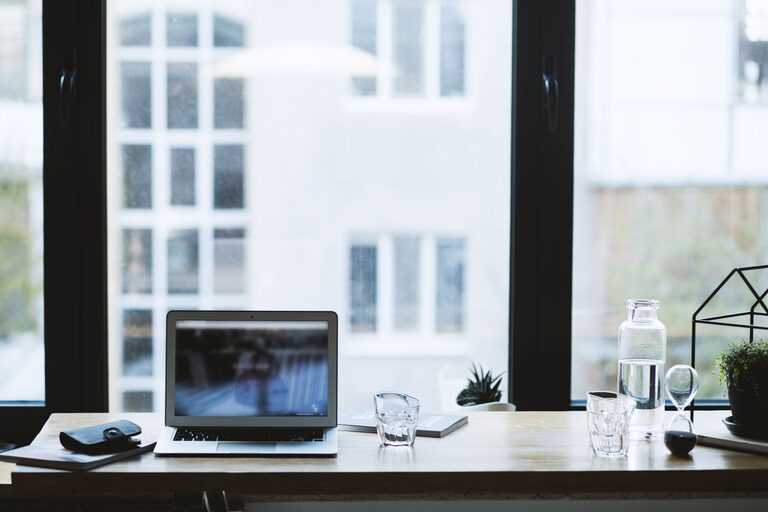
Creating a productive home office environment is essential for anyone working from home or managing tasks remotely. A well-designed workspace not only helps you maintain focus but also supports your wellbeing and work-life balance. Whether you have a dedicated room or a small corner, these tips will help you set up an efficient and comfortable home office.
Choose the Right Location
Find a Quiet Space
Select a spot in your home with minimal distractions. Avoid busy areas like the kitchen or living room during active hours if possible. A quiet corner, spare room, or even a well-organised nook can serve as a great workspace.
Consider Natural Light
Natural light can improve mood, reduce eye strain, and increase alertness. Try to set up your desk near a window, but avoid direct glare on your computer screen. If natural light is limited, invest in quality artificial lighting to brighten your space.
Invest in Comfortable Furniture
Choose an Ergonomic Chair
Comfortable seating is crucial for long hours of work. An ergonomic chair supports your back, promotes good posture, and helps prevent discomfort or injury.
Desk Height and Space
Your desk should be at a height where your arms can rest naturally while typing. Make sure there’s enough space to organise your computer, paperwork, and other essentials without clutter.
Keep Your Space Organised
Declutter Regularly
A tidy workspace reduces distractions and helps maintain focus. Use storage solutions like shelves, drawers, or boxes to keep supplies and documents neat.
Minimalism Works
Only keep items you need daily on your desk. This can help prevent feeling overwhelmed and make cleaning easier.
Optimise Technology and Equipment
Reliable Internet Connection
A stable, fast internet connection is vital for video meetings, file sharing, and online research. Consider using a wired connection or upgrading your Wi-Fi router if needed.
Use Quality Equipment
Invest in a good monitor, keyboard, and mouse to reduce eye strain and improve comfort. Headphones with a microphone are helpful for clear communication during calls.
Manage Noise and Distractions
Use Noise-Cancelling Headphones
If household noise is unavoidable, noise-cancelling headphones can help you focus by blocking out background sounds.
Set Boundaries with Others
If you share your home with family or flatmates, clearly communicate your working hours and space boundaries.
Personalise for Motivation
Add Personal Touches
Including items you enjoy, like plants, artwork, or photos, can make your workspace inviting and inspiring.
Use a Whiteboard or Planner
Visual tools help keep track of tasks and deadlines, improving organisation and motivation.
Maintain a Daily Routine
Set Regular Hours
Even while working from home, aim to start and finish work at consistent times. This helps create a clear distinction between work and personal life.
Take Breaks
Short breaks throughout the day refresh your mind and body. Step away from your desk to stretch, walk, or have a healthy snack.
Improve Air Quality and Comfort
Ventilation
Ensure your workspace is well-ventilated to keep fresh air circulating. Poor air quality can reduce concentration and energy levels.
Temperature Control
Keep the room at a comfortable temperature. Consider a fan, heater, or air purifier as needed to maintain your comfort.
Utilise Good Lighting
Avoid Harsh Overhead Lights
Soft, adjustable lighting reduces eye strain. Desk lamps with adjustable brightness are useful for focused tasks.
Use Screen Filters
Anti-glare screen protectors can reduce reflections and eye fatigue during long computer sessions.
Stay Physically Active
Set Up for Movement
If possible, incorporate a standing desk or take standing breaks to reduce sedentary time.
Exercise
Regular exercise improves mental clarity and reduces stress, contributing to overall productivity.
—
By following these tips, you can create a home office that promotes efficiency, comfort, and wellbeing. Remember, the best workspace suits your personal needs and preferences, so feel free to adapt these suggestions to what works best for you. A thoughtfully designed home office helps make working from home an enjoyable and productive experience.